
The key to a smooth Japan trip isn’t downloading more apps, but building a smarter, smaller digital toolkit.
- For complex train stations like Shinjuku, Navitime’s detailed platform and exit guidance is superior to Google Maps.
- For authentic food experiences, locals prefer the tough but reliable ratings on Tabelog over the more tourist-friendly Gurunavi.
Recommendation: Prioritize adding a digital Suica card to your Apple Wallet and carrying a 10,000mAh+ power bank; they are the non-negotiable foundations of your digital setup.
Navigating Japan can feel like stepping into the future, but it can also be an exercise in beautiful, intricate complexity. The Tokyo subway map alone is enough to intimidate the most seasoned traveler. The common advice is to download a dozen different apps, creating a cluttered phone screen that adds to the confusion. This approach is flawed. It’s not about the number of apps you have; it’s about curating a lean, powerful digital toolkit where each application serves a specific, optimized function.
The real challenge isn’t just getting from point A to B, but doing so with a sense of flow and efficiency. It’s about knowing which translation app to use for a quick menu scan versus a formal conversation, or which food app will lead you to a tourist-friendly spot versus a hidden gem loved by locals. This is where a strategic mindset beats a “download everything” approach. The goal is to transform a potentially chaotic trip into a seamless, data-driven experience, turning your smartphone from a simple map into a master key for the country.
This guide moves beyond simple app lists. We will dissect the most popular apps head-to-head, focusing on their specific strengths and weaknesses in real-world Japanese travel scenarios. By the end, you will understand how to build your own optimized digital toolkit, ensuring your technology works for you, not against you.
Summary: A Tech-Savvy Guide to Japan’s Essential Apps
- DeepL or Google: Which Translation App Is More Accurate for Japanese?
- TableLog or Gurunavi: Which Site Do Locals Use for Food Ratings?
- Jorudan or HyperDia: Which Train App Updates in Real-Time?
- No Data: How to Download Maps for Offline Use Before You Arrive?
- Power Bank: Why Is a Portable Charger Essential for a Day in Japan?
- Why Adding Suica to Apple Wallet Is Better Than a Physical Card?
- How to Use Translation Apps Without Breaking the Flow of Conversation?
- Taxi or Subway: When Is the Cab Fare Worth the Cost in Tokyo?
DeepL or Google: Which Translation App Is More Accurate for Japanese?
For any traveler in Japan, a translation app is a non-negotiable part of the digital toolkit. However, choosing between the two titans, Google Translate and DeepL, depends entirely on the situation. For quick, on-the-fly needs, Google Translate’s versatility is unmatched. Its camera feature is a lifesaver for deciphering restaurant menus or signage, offering instant visual translation of both horizontal and vertical text. Its conversation mode also tends to perform slightly better in noisy environments like a busy train station or market.
Where DeepL shines is in its handling of nuance and politeness. The Japanese language has complex levels of formality (keigo), and DeepL is significantly more adept at capturing the correct tone for more formal interactions, such as speaking with hotel staff or in a business context. While no machine translation is perfect, DeepL’s output often sounds more natural and respectful, which can make a significant difference in social situations. The best strategy is to have both: Google for visual and quick conversations, and DeepL for when clarity and politeness are paramount.
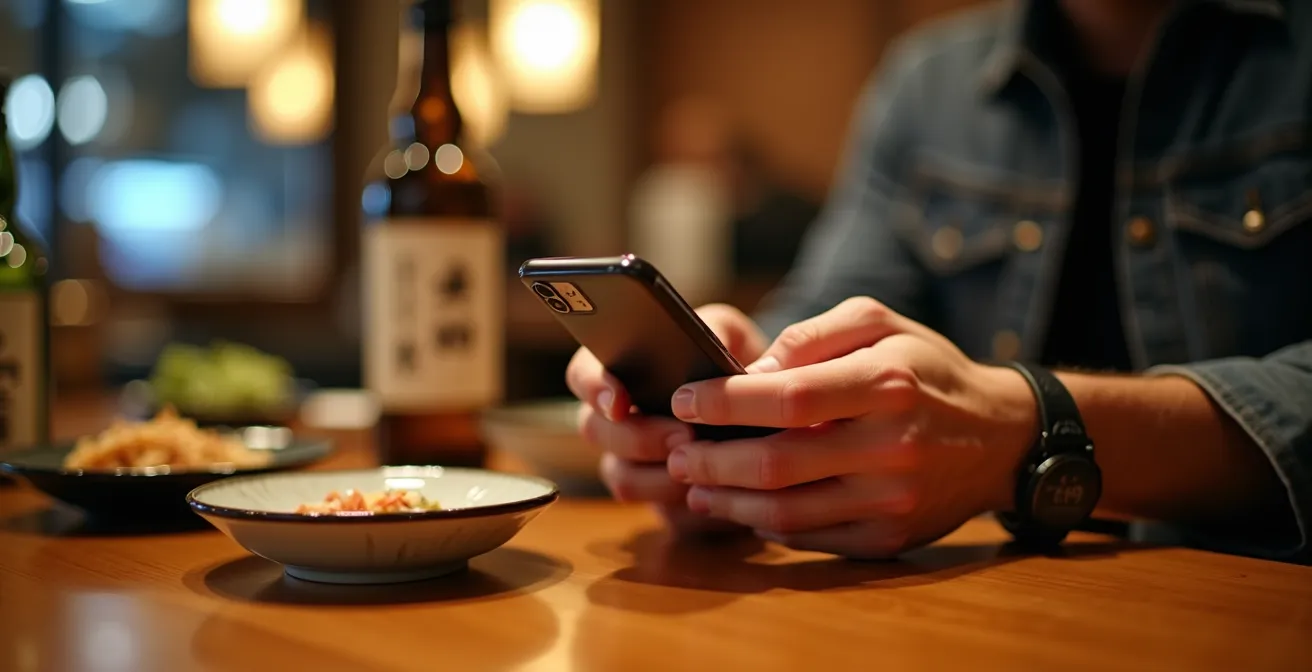
Ultimately, your choice should be task-dependent. Think of Google as your versatile multi-tool and DeepL as your precision instrument. Testing both with a few key phrases related to your itinerary before you go is a smart way to see which one aligns better with your communication style and needs.
TableLog or Gurunavi: Which Site Do Locals Use for Food Ratings?
When it comes to finding a place to eat, Japan’s digital landscape is dominated by two major players: Tabelog and Gurunavi. While both will help you find a good meal, they cater to different users and philosophies. Gurunavi is often the more accessible choice for tourists. It features a more straightforward English interface, often has integrated booking systems that work well with international phone numbers, and is heavily focused on providing discounts and coupons, making it popular for mainstream users.
Tabelog, on the other hand, is the undisputed king for serious Japanese foodies. Its rating system is notoriously tough; a score of 3.5 is considered very good, and anything approaching 4.0 is exceptional. This strictness is its greatest strength, as it provides a highly reliable filter for quality. Analysis of platform usage shows a clear divide: an overwhelming majority of locals choose Tabelog for its detailed, authentic user reviews, while tourist adoption rates show a preference for Gurunavi’s accessibility. For the tech-savvy traveler seeking an authentic culinary experience, learning to navigate Tabelog (even with a browser extension for translation) is a rite of passage.
A restaurant rated 3.8 that elsewhere would be meh means a pretty solid spot in Japan. As a result, virtually anywhere you eat in Japan will end up being a very good meal.
– Geeky Explorer Travel Blog, The Most Useful Japan Travel Apps for 2025
The choice is a strategic one: for convenience and deals, Gurunavi is a safe bet. For an uncompromising search for the best local flavors, guided by the discerning palates of locals, Tabelog is the essential tool in your culinary toolkit.
Jorudan or HyperDia: Which Train App Updates in Real-Time?
Navigating Japan’s world-class train system is an art, and Jorudan and HyperDia are the two primary digital canvases. For years, HyperDia was the go-to for foreign travelers, especially for its excellent JR Pass optimization features. It allows users to easily exclude specific train lines not covered by the pass, like the ‘Nozomi’ and ‘Mizuho’ Shinkansen, ensuring you don’t accidentally board a train that requires an extra fee. Its interface, while dated, is purely functional and effective for pre-planning long-distance routes.
However, the landscape is shifting. Jorudan, which has become one of Japan’s most downloaded train apps, offers a more modern experience with better real-time capabilities. While HyperDia is excellent for planning, Jorudan excels at providing live updates on delays, service disruptions, and platform changes—critical information during your actual travel day. While its most advanced JR Pass filtering options may require a subscription, its free version is robust for daily city travel. The optimal strategy often involves using both: HyperDia for meticulous long-haul planning before your trip, and Jorudan for real-time, on-the-ground navigation once you’re in Japan.
Your Action Plan: JR Pass Optimization
- In HyperDia, access advanced settings to exclude ‘Nozomi’ and ‘Mizuho’ Shinkansen lines not covered by the standard pass.
- Enable the ‘JR Pass’ mode in your app of choice to filter for only covered train routes and avoid unexpected charges.
- For Jorudan, activate the dedicated JR Pass search option (note: this may be a premium feature).
- Set your preferences for reserved versus non-reserved seats to match your travel style and budget.
- Save your most frequent or important routes for offline access, ensuring you have a plan even during network disruptions.
Ultimately, your choice depends on your priority. For a trip heavily reliant on the JR Pass for cross-country travel, HyperDia’s filtering is invaluable. For dynamic city-hopping where real-time information is king, Jorudan is the superior tool.
No Data: How to Download Maps for Offline Use Before You Arrive?
Even with a pocket WiFi or a local SIM, there will be moments in Japan where you lose connectivity—in a subway tunnel, a remote mountain onsen, or simply due to a dead battery. This is why having an offline map strategy is not just a backup plan; it’s an essential component of a robust digital toolkit. Google Maps allows for easy downloading of city areas for offline use. Before your trip, you can simply search for a city like “Tokyo” or “Kyoto,” tap the name at the bottom, and select “Download.” This will save the map data to your phone, allowing for basic navigation without a data connection.
However, the limitation of Google’s offline mode is its search functionality, which becomes severely restricted. For a more powerful offline experience, apps like Maps.me are superior. Built from the ground up for offline use, Maps.me allows you to download entire regions or countries with surprising detail, including hiking trails, smaller points of interest, and a fully functional offline search. User tests show that its map file sizes are remarkably small while retaining a high level of detail, making it ideal for travelers with limited phone storage. The process is simple: download the app, then download the map for the specific regions you’ll be visiting while you still have a strong internet connection at home or your hotel.
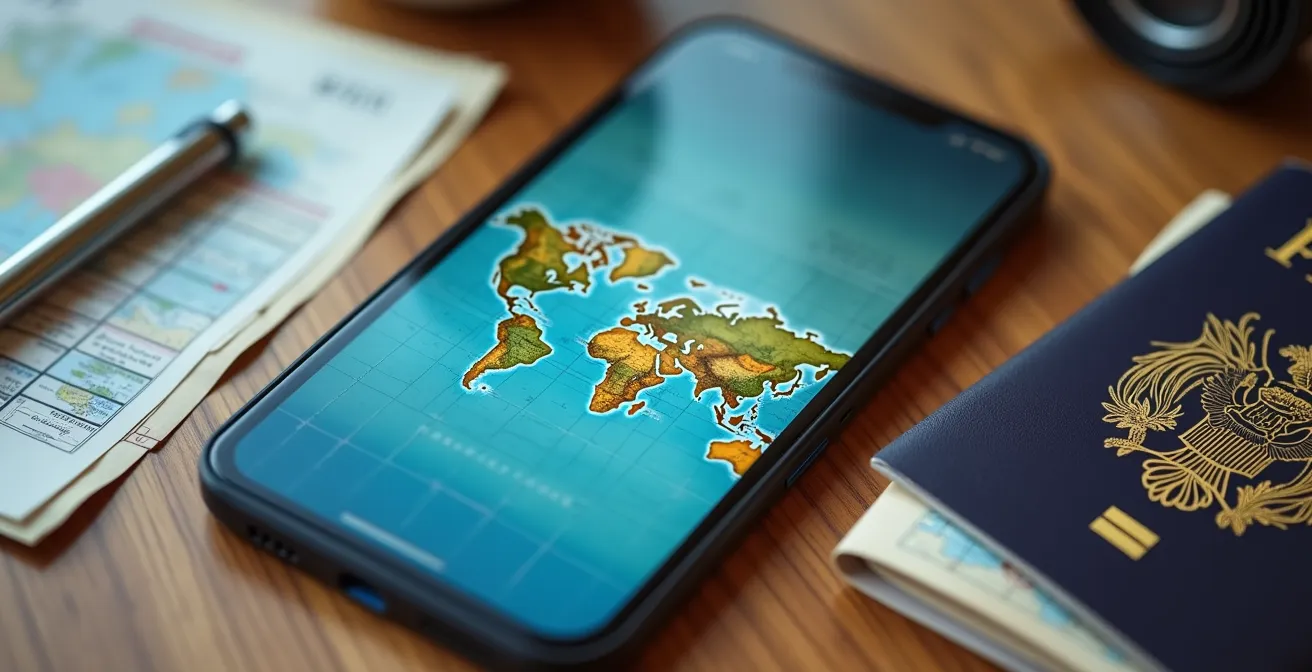
Having a reliable offline map prevents a minor technical issue from turning into a major travel disruption. It provides peace of mind and ensures that even if your data fails, your journey doesn’t have to.
Power Bank: Why Is a Portable Charger Essential for a Day in Japan?
A portable charger, or power bank, is arguably the single most important piece of technology you can carry in Japan. It’s not an accessory; it’s the foundation of your entire digital toolkit. Your navigation, translation, and transit apps are all useless on a phone with a dead battery. A day of travel in Japan is a perfect storm for battery drain: constant GPS use for navigation, screen-on time for checking train schedules, and camera usage for capturing memories all take a heavy toll. It’s a common scenario for travelers to find their phone’s battery in a critical state by mid-afternoon.
Studies on traveler habits confirm this, showing that heavy app usage for navigation and translation means most phone batteries are critically low by 3 PM. A power bank transforms this anxiety into confidence. For Japan, a capacity of at least 10,000mAh is recommended, which is enough to provide two to three full charges for a modern smartphone. When selecting one, consider a slim profile model that’s easy to carry in a pocket or small bag during long days of walking. Also, ensure it supports USB-C Power Delivery (PD) for fast charging, allowing you to get a significant battery boost during a short coffee or lunch break. Having a power bank means you can use your digital tools freely without constantly worrying about battery conservation.
A model with multiple ports is also a smart choice, enabling you to charge both your phone and a pocket WiFi device simultaneously. Before you fly, remember to check airline regulations, as most carriers limit power banks to 100Wh (approximately 27,000mAh) and require them to be in your carry-on luggage, not checked baggage.
Why Adding Suica to Apple Wallet Is Better Than a Physical Card?
The IC card (like Suica, Pasmo, or Icoca) is the key to effortless transactions in Japan, used for everything from train fares to vending machine purchases. While the physical card works perfectly well, integrating a digital Suica into your Apple Wallet elevates the experience from convenient to truly frictionless. The biggest advantage is the ability to recharge instantly using a foreign credit card stored in your wallet. This completely eliminates the need to find a specific machine, wait in line, and fumble with cash—a common pain point for travelers with a physical card.
The user experience at ticket gates is also vastly superior. With Express Mode enabled, you don’t even need to wake your phone or authenticate with Face ID or Touch ID. You simply tap your iPhone or Apple Watch on the reader, and the gate opens. This seamless interaction is invaluable when you’re rushing to catch a train or have your hands full. This digital convenience isn’t just limited to Tokyo; digital payment systems like Suica now work in 46 out of 47 prefectures. A user study highlighted that iOS users gain a significant advantage with a digital Suica, creating a seamless cashless experience from transit to convenience stores. Unfortunately, due to regional restrictions, most Android users outside of Japan must still rely on physical cards.
For any iPhone user, setting up a digital Suica card is one of the single most effective optimizations you can make to your digital toolkit. It replaces a physical item with a more secure, convenient, and easily rechargeable digital version, perfectly embodying the goal of a streamlined journey.
How to Use Translation Apps Without Breaking the Flow of Conversation?
Having a powerful translation app is one thing; using it without creating an awkward, technology-induced barrier is another. The goal is to facilitate communication, not to halt it. A few points of etiquette can make all the difference. The most important tip is to pre-type your question before you approach someone. Standing in front of a person while slowly typing on your phone creates an uncomfortable pause. Having your question ready to go shows respect for their time.
When you get a response, it’s often better to show the person the translated text on your screen rather than trying to read it aloud, especially with a language as nuanced as Japanese. This avoids mispronunciations and ensures the message is received clearly. For translating menus or signs, be discreet with the photo mode. A quick, unobtrusive picture is fine, but avoid making a production of it, and a simple nod or “arigato” to the staff goes a long way. The key is to integrate the technology smoothly into the human interaction.
- Pre-type your question before approaching someone to avoid awkward typing delays.
- Show the screen directly rather than reading aloud for clearer communication and to avoid mispronunciation.
- Use photo mode for menus discreetly and quickly, always thanking the staff afterward.
- Combine app translation with universal gestures (pointing, smiling, nodding) for a more natural interaction.
- Download offline language packs beforehand to prevent connection delays from interrupting the conversation.
Ultimately, a translation app is a bridge, not a replacement for human connection. Using it with awareness and courtesy ensures the bridge is a strong one, helping you connect with people rather than just getting information from them.
Key takeaways
- For navigating Japan’s complex train stations, Navitime offers superior detail for platform and exit information compared to the more general-purpose Google Maps.
- To dine like a local, trust Tabelog’s notoriously tough rating system over the more tourist-friendly and coupon-driven Gurunavi.
- A digital Suica in your Apple Wallet is a game-changer, allowing instant recharges with foreign credit cards and eliminating the need for cash at transit machines.
Taxi or Subway: When Is the Cab Fare Worth the Cost in Tokyo?
In a city with one of the world’s most efficient public transit systems, taking a taxi in Tokyo can seem like an unnecessary luxury. However, there are specific scenarios where the cost is justified by the convenience, comfort, or sheer necessity. The decision to hail a cab or head for the subway is the final level of travel optimization—a data-driven choice that should be in every tech-savvy traveler’s playbook. The most obvious time is after the last train, typically around midnight. At this point, a taxi is not a luxury but your only option. During peak rush hour (roughly 8:00-9:30 AM), the subway, despite being crowded, is almost always the faster and vastly cheaper choice.
Where the decision becomes more nuanced is when dealing with heavy luggage or complex routes. Dragging multiple suitcases through a multi-level station with several transfers can be physically draining. In this case, the door-to-door service of a taxi can be well worth the ¥2,000-¥3,000 fare. Similarly, for a cross-town journey that would require three or more subway transfers, a taxi might not only be more comfortable but also surprisingly time-competitive. Apps like GO, Japan’s most popular taxi app, make hailing and payment simple. And with coverage in 46 out of 47 prefectures, it’s a reliable tool to have in your digital kit.
This decision-making process is best illustrated with a direct comparison for a group of four people.
| Scenario | Subway Cost (4 people) | Taxi Cost | Recommendation |
|---|---|---|---|
| Rush Hour (8-9:30 AM) | ¥800-1200 | ¥2000-3000+ | Subway |
| After Last Train | Not Available | ¥3000-5000 | Taxi (only option) |
| With Heavy Luggage | ¥800-1200 | ¥2000-3000 | Taxi (worth the comfort) |
Knowing when to spend on a taxi versus saving with the subway is the mark of an experienced traveler. It’s about valuing your time and energy as much as your money, using technology to make the smartest choice for the situation.
Now that you have the blueprint, you can begin assembling your own strategic digital toolkit. Focus on these core, high-impact apps first, and approach your journey not just as a tourist, but as an efficiency-minded traveler ready to unlock Japan with precision and ease.